> ## Documentation Index
> Fetch the complete documentation index at: https://docs.gidr.ai/llms.txt
> Use this file to discover all available pages before exploring further.
# REST API
> Connect your AI agent to external services and APIs.
 ## Overview
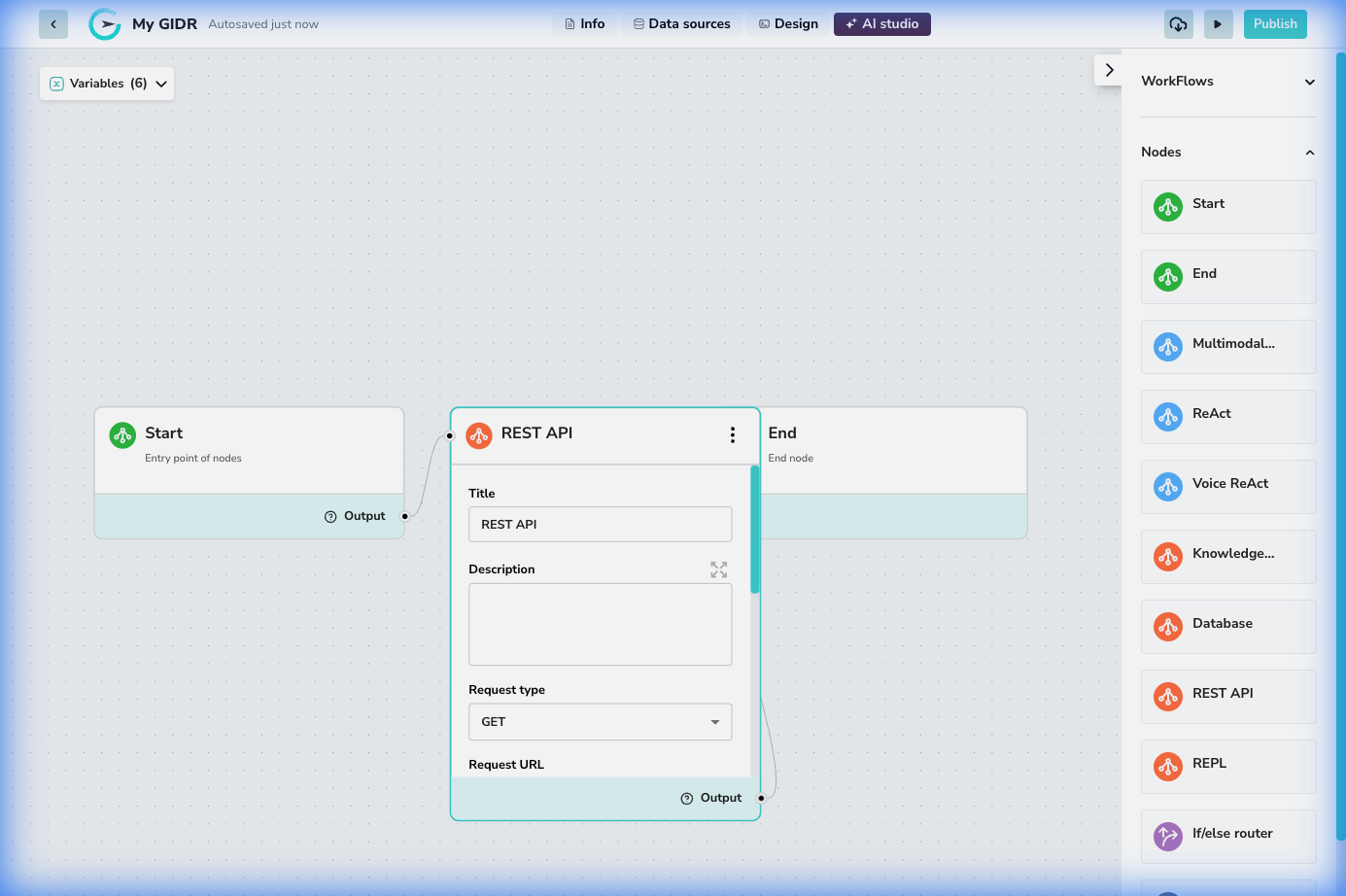
The **REST API** node enables your workflow to interact with external systems using standard HTTP requests. This is essential for fetching data from third-party services, triggering external actions, or integrating with your own backend APIs.
## Configuration
## Overview
The **REST API** node enables your workflow to interact with external systems using standard HTTP requests. This is essential for fetching data from third-party services, triggering external actions, or integrating with your own backend APIs.
## Configuration
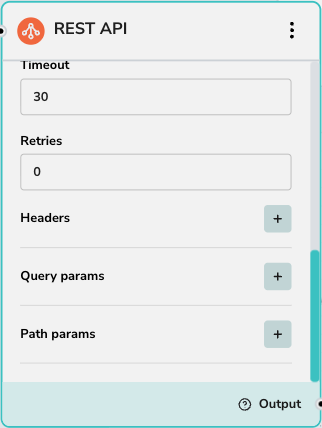 ### Request Details
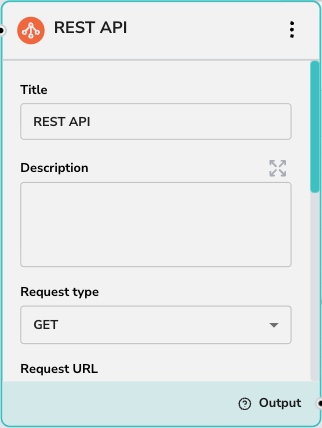
* **Request type**: Select the HTTP method (GET, POST, PUT, DELETE, PATCH).
* **Request URL**: The endpoint URL. Supports dynamic variables from previous steps (e.g., `https://api.example.com/users/{{userId}}`).
### Parameters & Headers
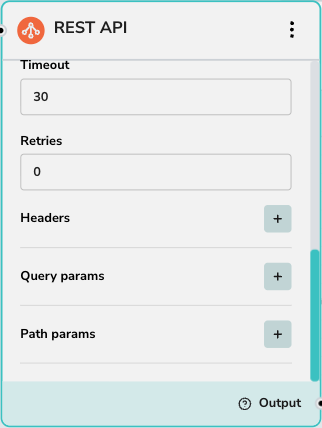
* **Headers**: Add custom headers like `Authorization` or `Content-Type`.
* **Query params**: key-value pairs appended to the URL (e.g., `?limit=10`).
* **Path params**: Variables to replace placeholers in your URL path.
### Request Body (POST/PUT/PATCH)
* **Body**: The payload to send with the request. This can be raw JSON or text. You can inject workflow variables into the body using `{{variable_name}}` syntax.
### Advanced Settings
* **Timeout**: Maximum time in seconds to wait for a response.
* **Retries**: Number of times to retry the request if it fails.
### Outputs
* **Output variables**: Define variables to map fields from the JSON response to workflow variables for use in subsequent nodes.
### Request Details
* **Request type**: Select the HTTP method (GET, POST, PUT, DELETE, PATCH).
* **Request URL**: The endpoint URL. Supports dynamic variables from previous steps (e.g., `https://api.example.com/users/{{userId}}`).
### Parameters & Headers
* **Headers**: Add custom headers like `Authorization` or `Content-Type`.
* **Query params**: key-value pairs appended to the URL (e.g., `?limit=10`).
* **Path params**: Variables to replace placeholers in your URL path.
### Request Body (POST/PUT/PATCH)
* **Body**: The payload to send with the request. This can be raw JSON or text. You can inject workflow variables into the body using `{{variable_name}}` syntax.
### Advanced Settings
* **Timeout**: Maximum time in seconds to wait for a response.
* **Retries**: Number of times to retry the request if it fails.
### Outputs
* **Output variables**: Define variables to map fields from the JSON response to workflow variables for use in subsequent nodes.