> ## Documentation Index
> Fetch the complete documentation index at: https://docs.gidr.ai/llms.txt
> Use this file to discover all available pages before exploring further.
# Members
> Invite and manage team members in your organization.
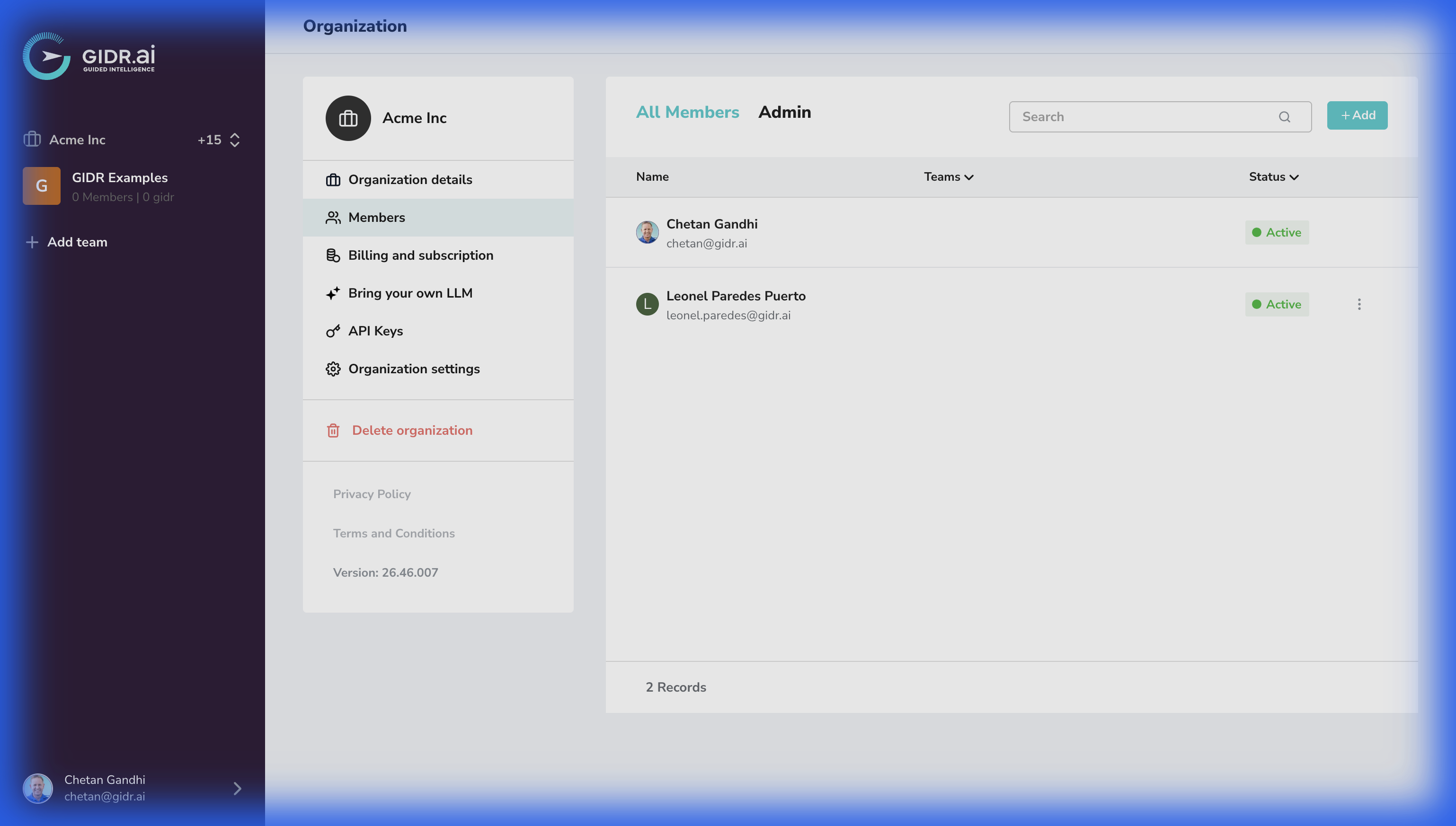
The **Members** tab provides a centralized view of all users in your organization.
## Features
* **Invite Members**: Send email invitations to new users.
* **Role Management**: Assign roles (e.g., Admin, Member) to control access permissions.
* **Member Status**: View pending invitations and active members.
* **Remove Members**: Revoke access for users who no longer need it.
Removing a user here completely revokes their access to the entire **Organization**. To remove a user from specific Teams instead, click the **three dots** menu next to the member's name, select **Team access**, and remove the teams the user should no longer be a part of.