Create Team
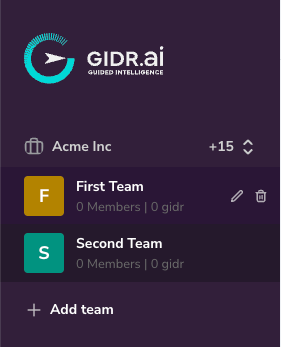
- Navigate to the Teams section in the sidebar.
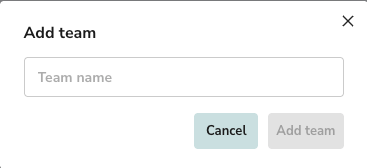
- Click + Add team at the bottom of the team list.
- Team name: Enter a unique name for your new team.
- Click Add team to confirm.
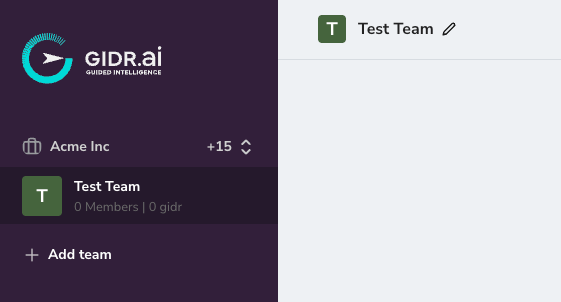
Edit Team
- Edit team name: You can edit the team name by clicking the pencil icon next to the team title.
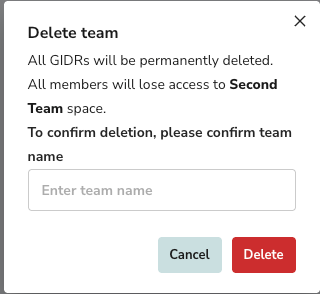
Delete Team
[!WARNING] Deleting a team is irreversible. All GIDRs and associated data within the team will be permanently lost.
- Locate the team you wish to delete in the sidebar.
- Click the trash icon associated with the team name.
- A confirmation dialog will appear.
- Type the team name exactly as shown to confirm deletion.
- Click Delete.