Invite Members
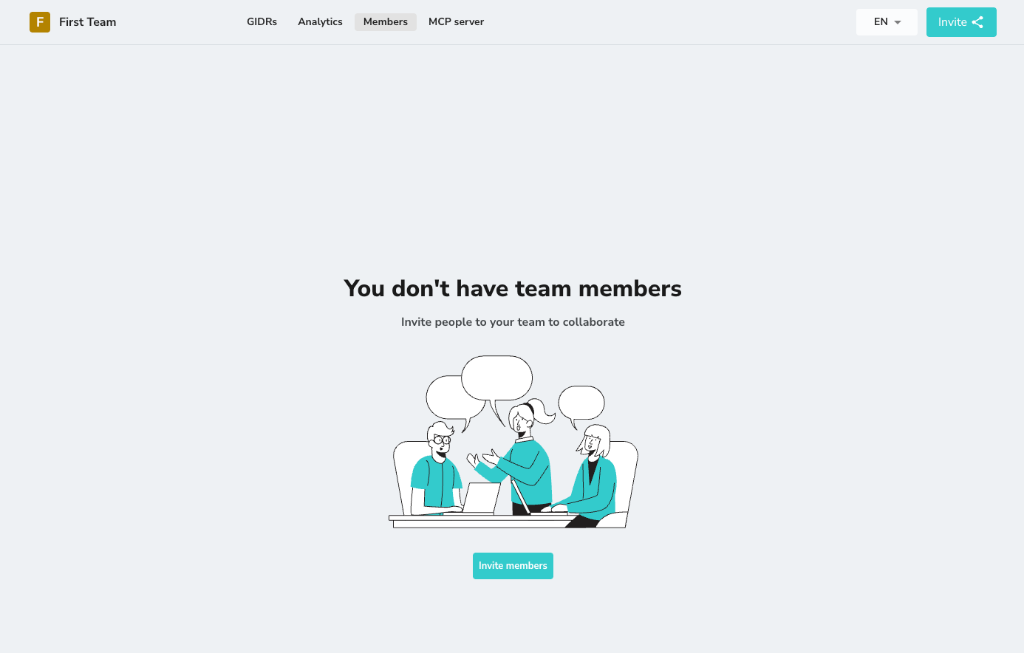
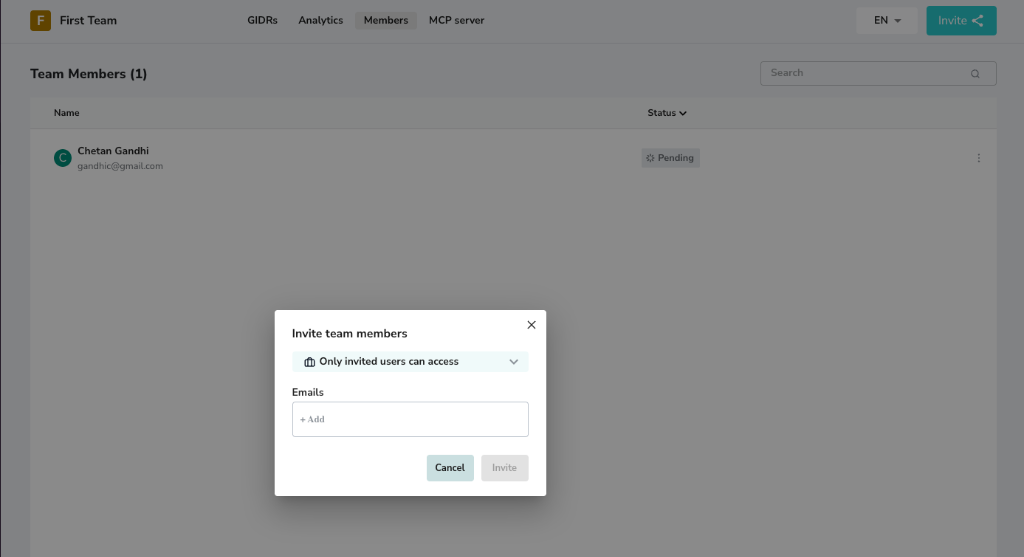
You can invite new users to join your organization via email.- Click Invite members (or the Invite button in the top right).
- Enter the email addresses of the users you wish to invite.
- Click Invite to send the invitations.
Invitations are sent via email and are valid for 1 day. If the user does not accept the invitation within 24 hours, the link will expire, and you will need to resend the invitation.
Manage Members
Once invitations are sent, users will appear in the members list. You can view their status and manage their access.Resend Invitation
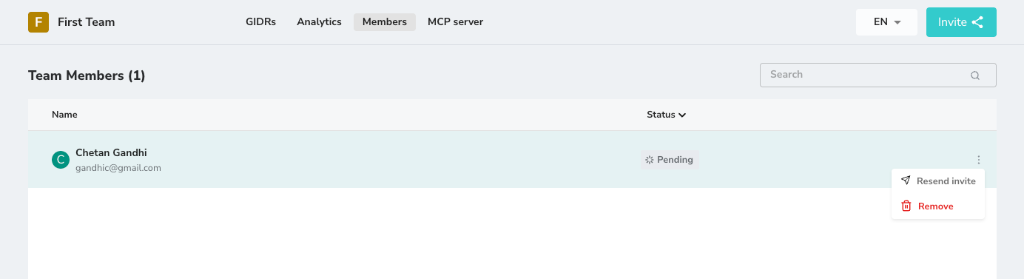
If an invitation has expired or the user hasn’t received it:- Locate the user in the members list (Status: Pending).
- Click the three dots menu on the right.
- Select Resend invite.
Remove Member
To revoke a user’s access to the organization:- Click the three dots menu next to the user’s name.
- Select Remove.