

Configuration Fields
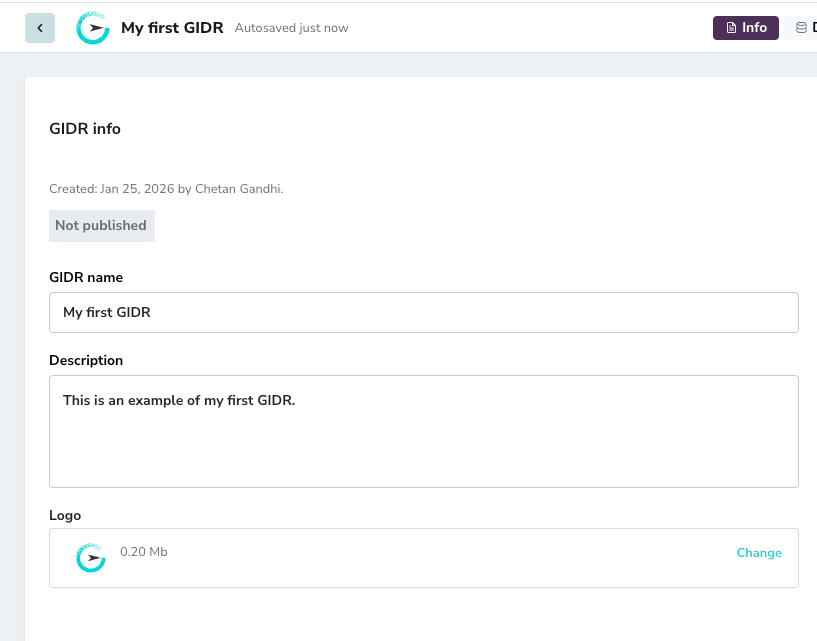
- GIDR name: The display name of your GIDR. You can edit this field to rename your GIDR.
- Description: A detailed description providing context about the GIDR’s purpose.
- Status: Indicates whether the GIDR is currently published or in draft mode (e.g., “Not published”).
- Created: Metadata showing the creation date and the user who created it.
Actions
- Change Logo: Click the Change button in the Logo section to upload a new icon for your GIDR.