

Database
The Database data source allows you to connect and sync data tables directly from an external SQL database.Supported Databases
- PostgreSQL
- Microsoft SQL Server
Connect Data source
- Select Data Sources > + Add.
- Choose Database as the source type.
- Select your database provider (e.g., PostgreSQL or Microsoft SQL Server).
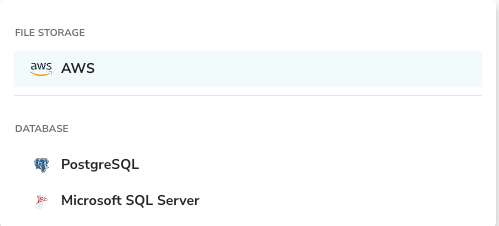
For detailed configuration settings for each database connector (Host, Port, Credentials), please refer to the Connectors page.
Upload Database (Excel)
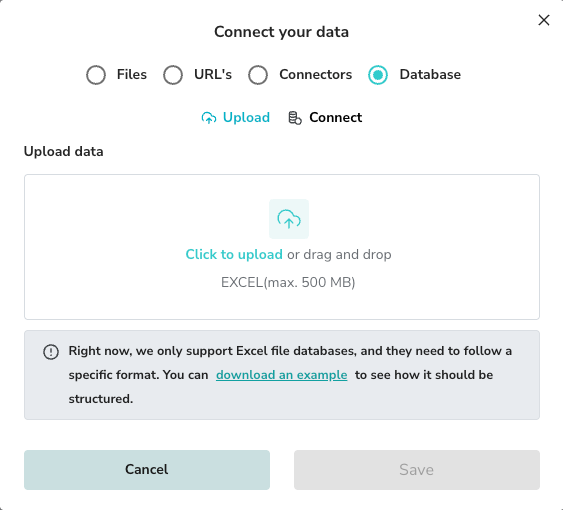
Alternatively, you can upload an offline database in Excel format. This is useful for importing static datasets that follow a relational structure.- In the “Connect your data” modal, select Database.
- Switch to the Upload tab.
- Upload your Excel file (Max 500 MB).
Excel Format Requirements
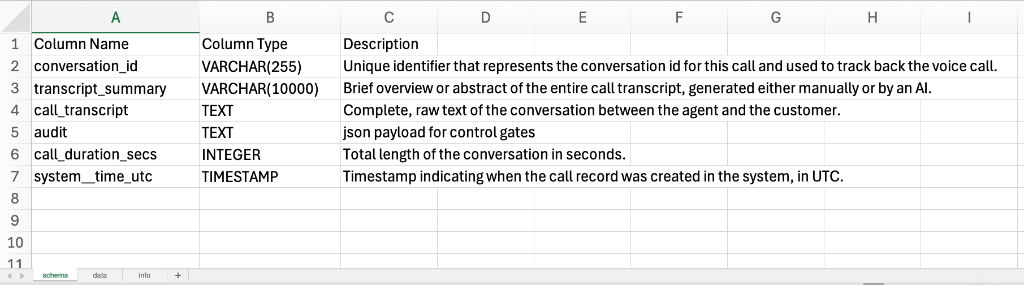
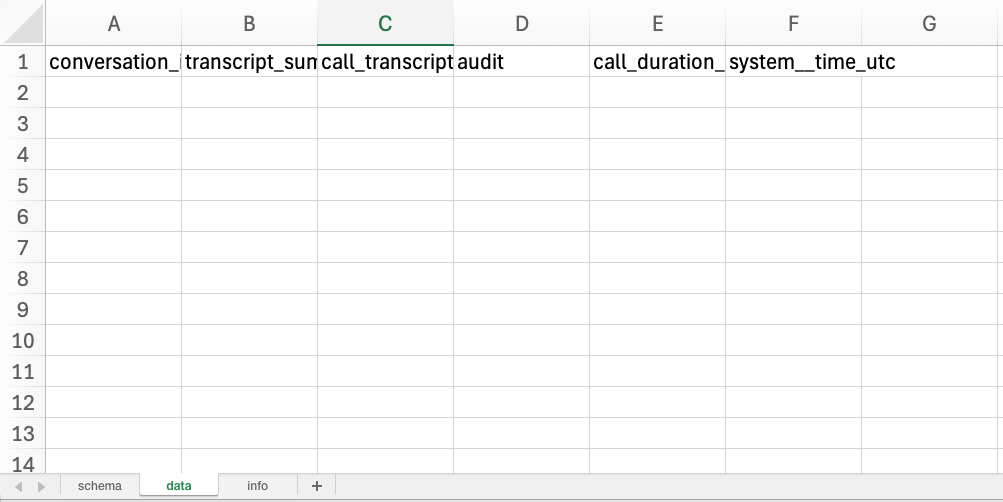
The Excel file must follow a strict template with three sheets: schema, data, and info.1. Schema Sheet
Defines the table structure.- Column Name: The name of the field.
- Column Type: Data type (e.g.,
VARCHAR(255),TEXT,INTEGER,TIMESTAMP). - Description: A description of what the column represents.
2. Data Sheet
Contains the actual data records corresponding to the schema.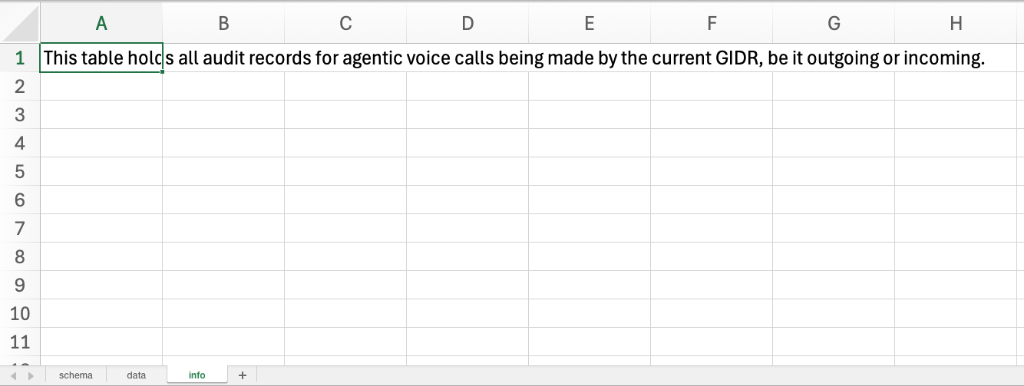
3. Info Sheet
Provides metadata about the table.- Cell A1: A comprehensive description of the table’s purpose (e.g., “This table holds all audit records…”).
Managing Databases
Once connected or uploaded, your database tables appear in the data sources list.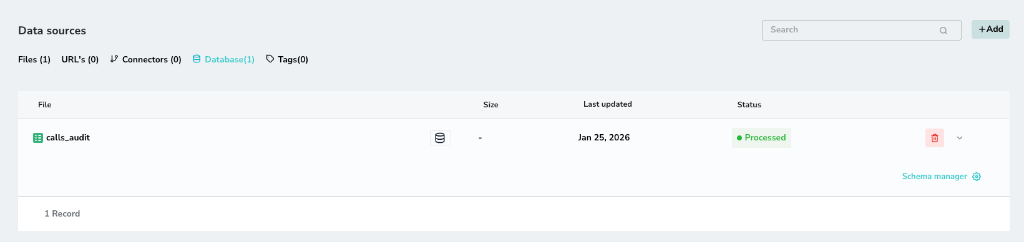
Schema Manager
You can view and edit the metadata for any table by clicking the Schema Manager link (gear icon).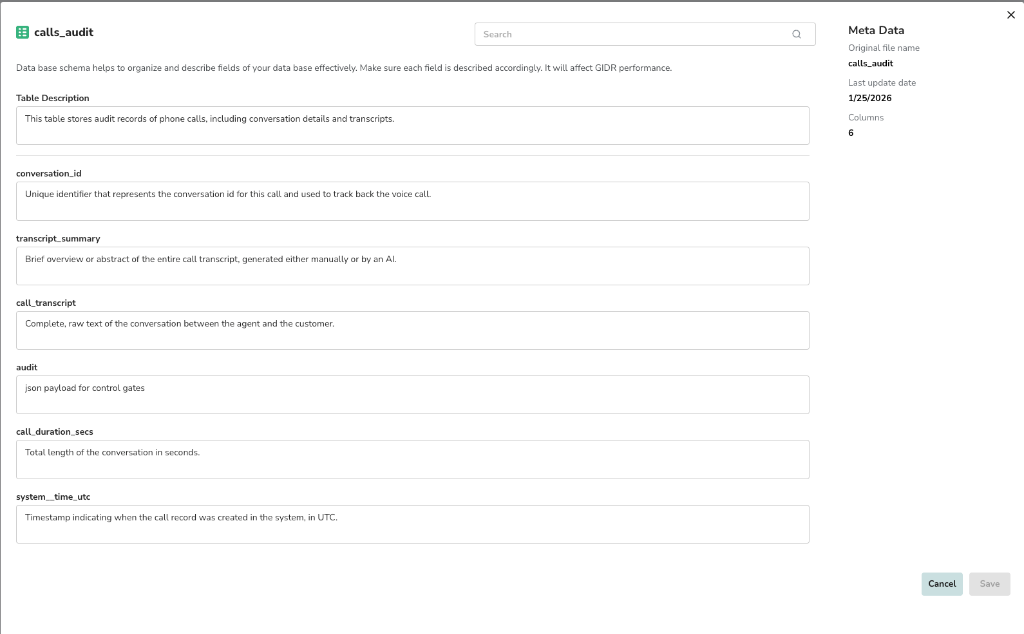
- Edit Table Description: Update the high-level description of what the table contains.
- Edit Column Descriptions: Refine the descriptions for individual columns.
Why edit descriptions? The system uses these descriptions to understand the semantic meaning of your data. Improving them can significantly enhance the accuracy of natural language queries and retrieval performance.