The Members tab provides a centralized view of all users in your organization.

Features

  • Invite Members: Send email invitations to new users.
  • Role Management: Assign roles (e.g., Admin, Member) to control access permissions.
  • Member Status: View pending invitations and active members.
  • Remove Members: Revoke access for users who no longer need it.
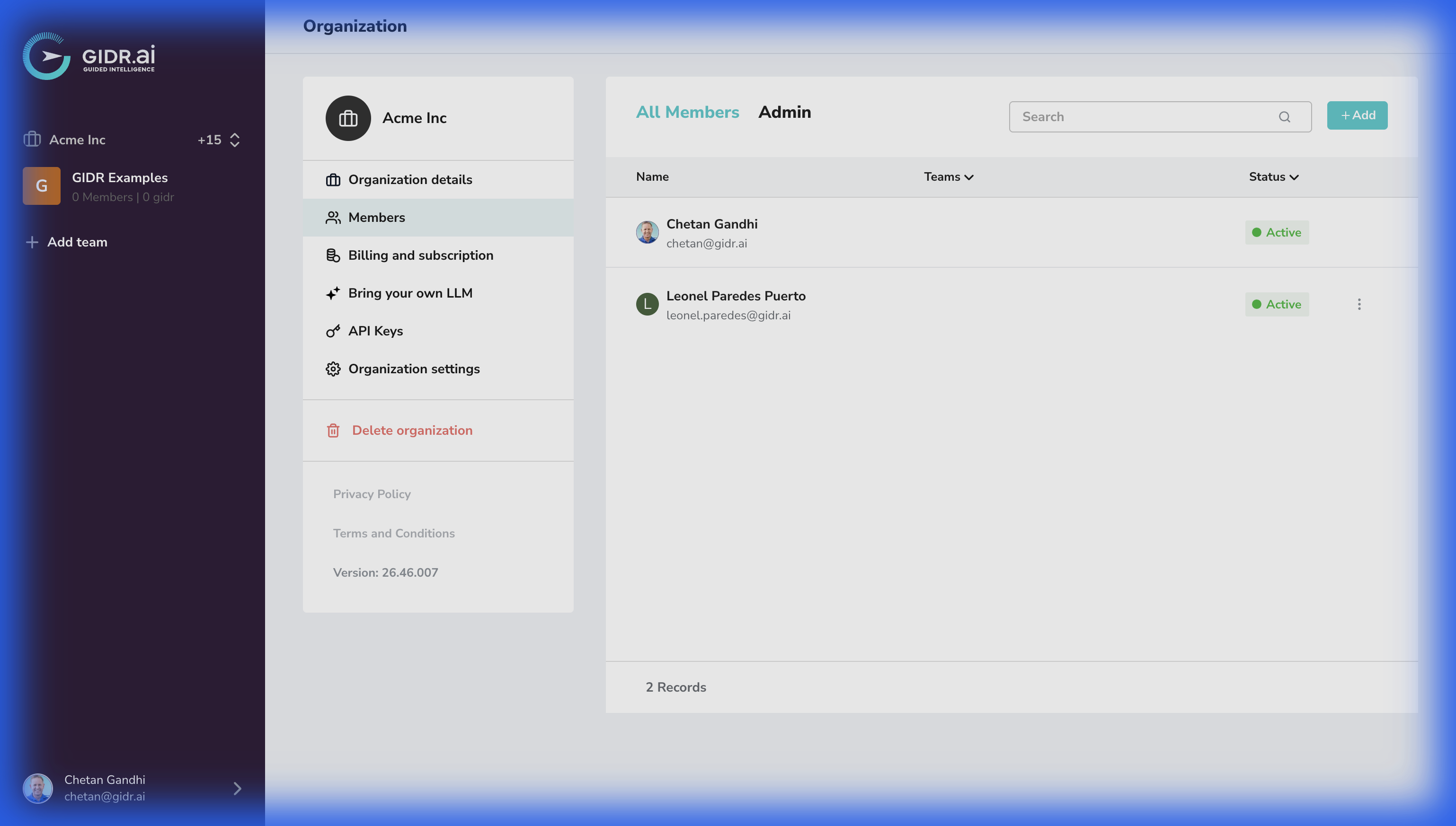
    Removing a user here completely revokes their access to the entire Organization. To remove a user from specific Teams instead, click the three dots menu next to the member’s name, select Team access, and remove the teams the user should no longer be a part of.
Members Settings