

Database
Learn how to execute SQL queries on your connected databases.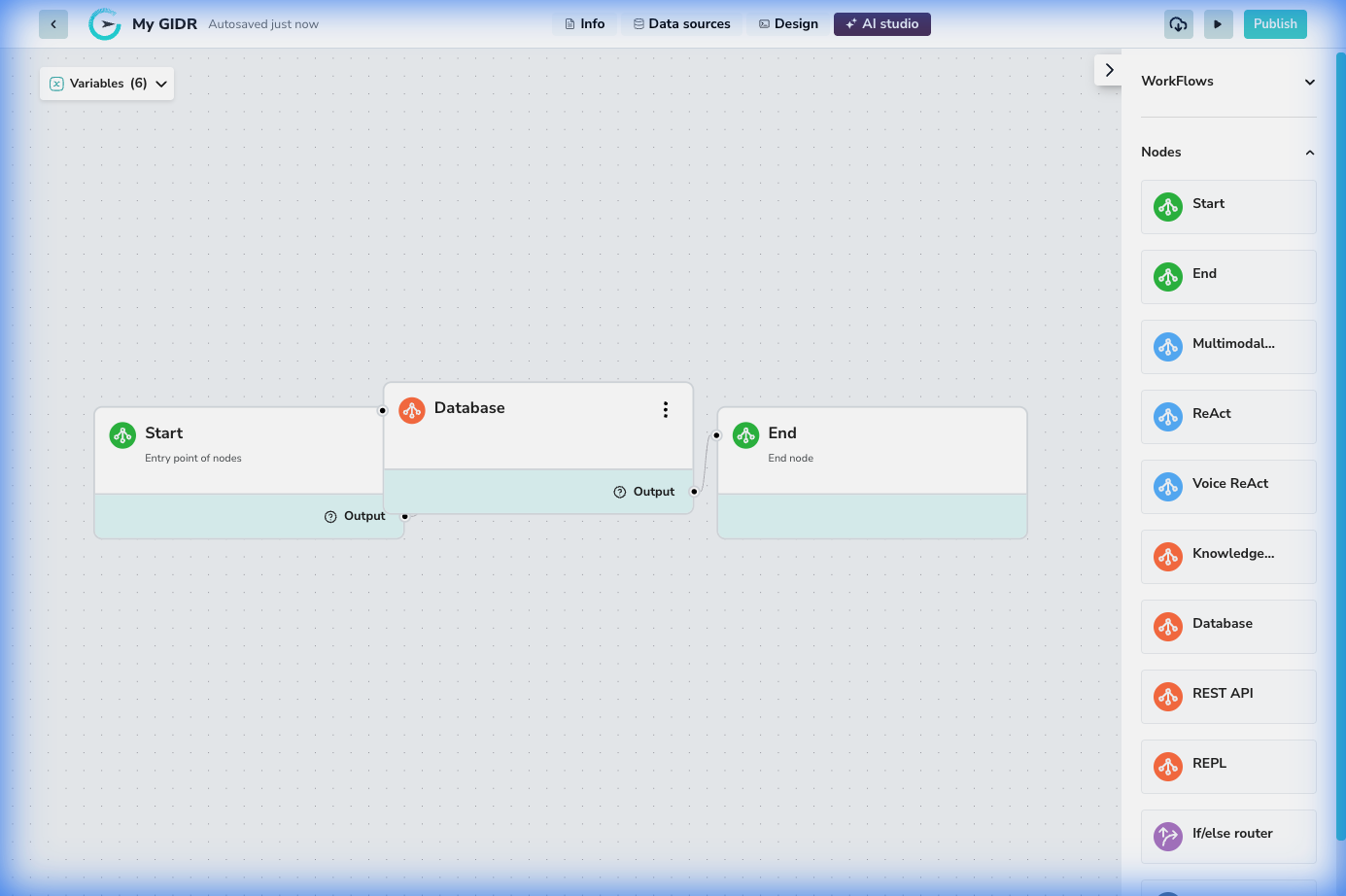
Overview
The Database node allows you to execute SQL queries directly within your workflow. This is powerful for retrieving data, ensuring data persistence, or performing updates based on the workflow’s logic. You can define read and write permissions and create secure connections to your structured data.Configuration
Basic Settings
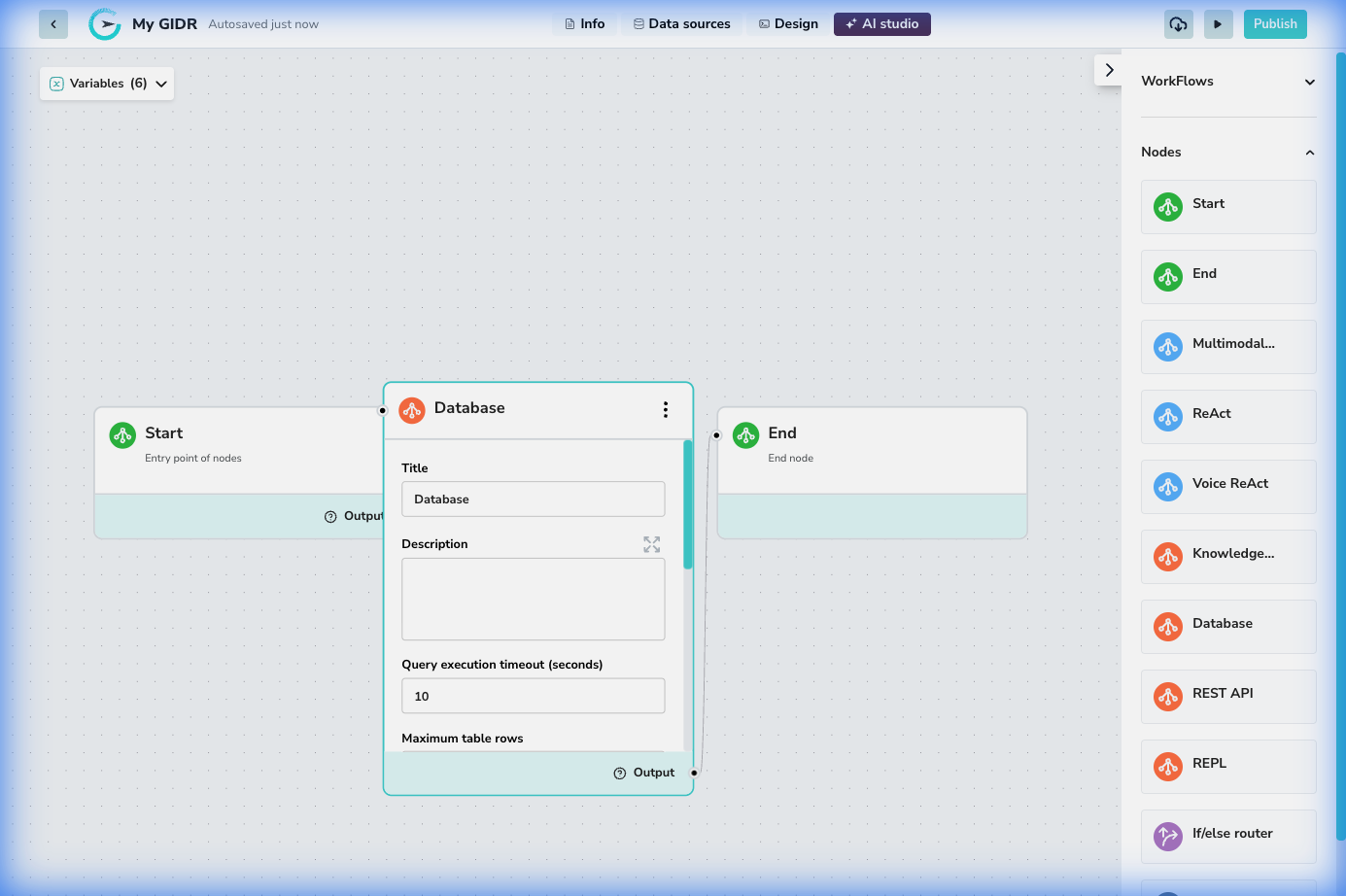
- Title: The display name of the node (default: “Database”).
- Description: An optional description of the query’s purpose.
- Query execution timeout (seconds): Set a maximum duration for the query to run before timing out (default: 10).
Execution Controls
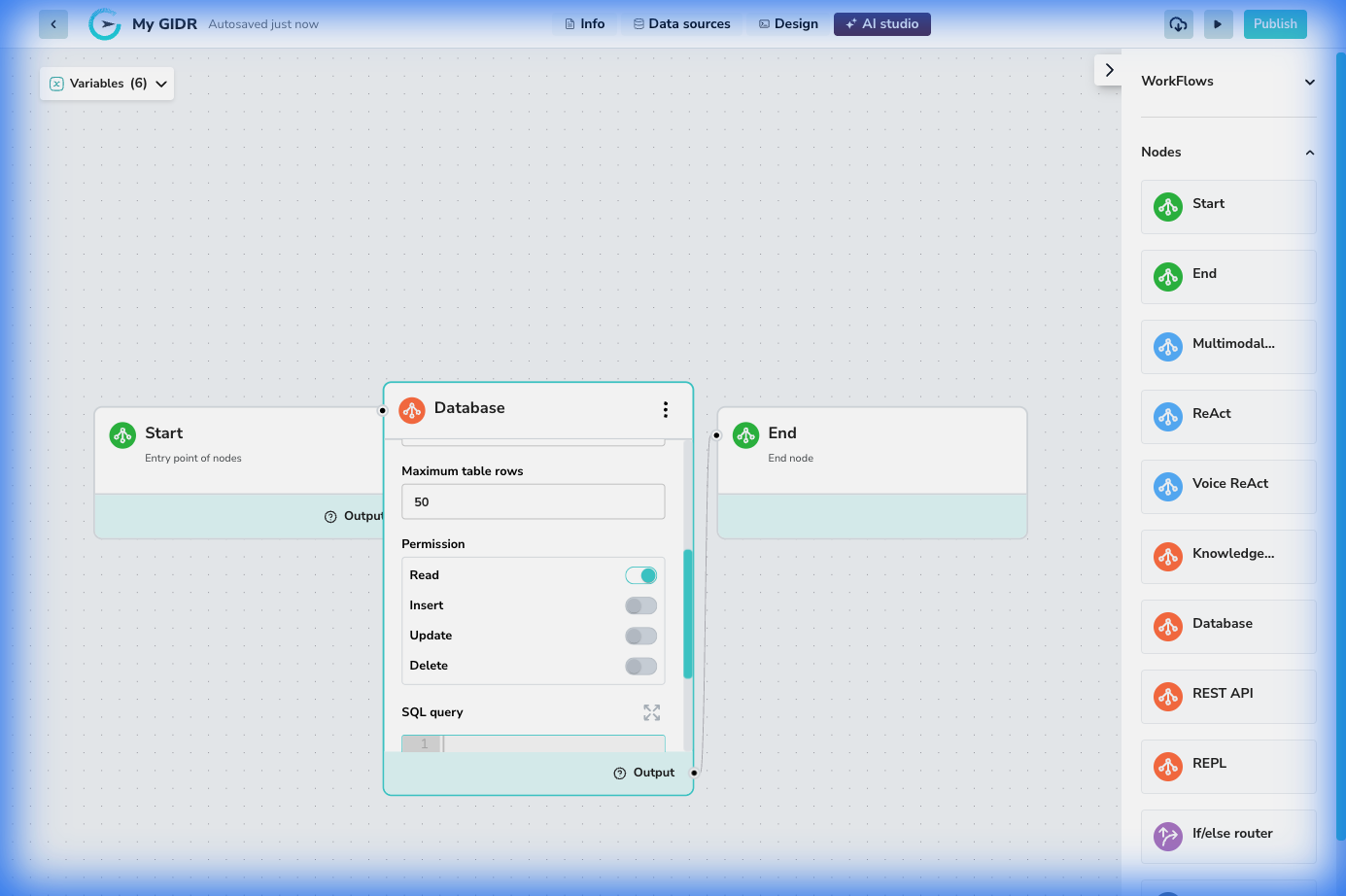
- Maximum table rows: Limit the number of rows returned to prevent large payloads (default: 50).
- Permission: Granular toggles to control what operations this node is allowed to perform:
- Read: Allow SELECT queries.
- Insert: Allow INSERT queries.
- Update: Allow UPDATE queries.
- Delete: Allow DELETE queries.
Query Editor
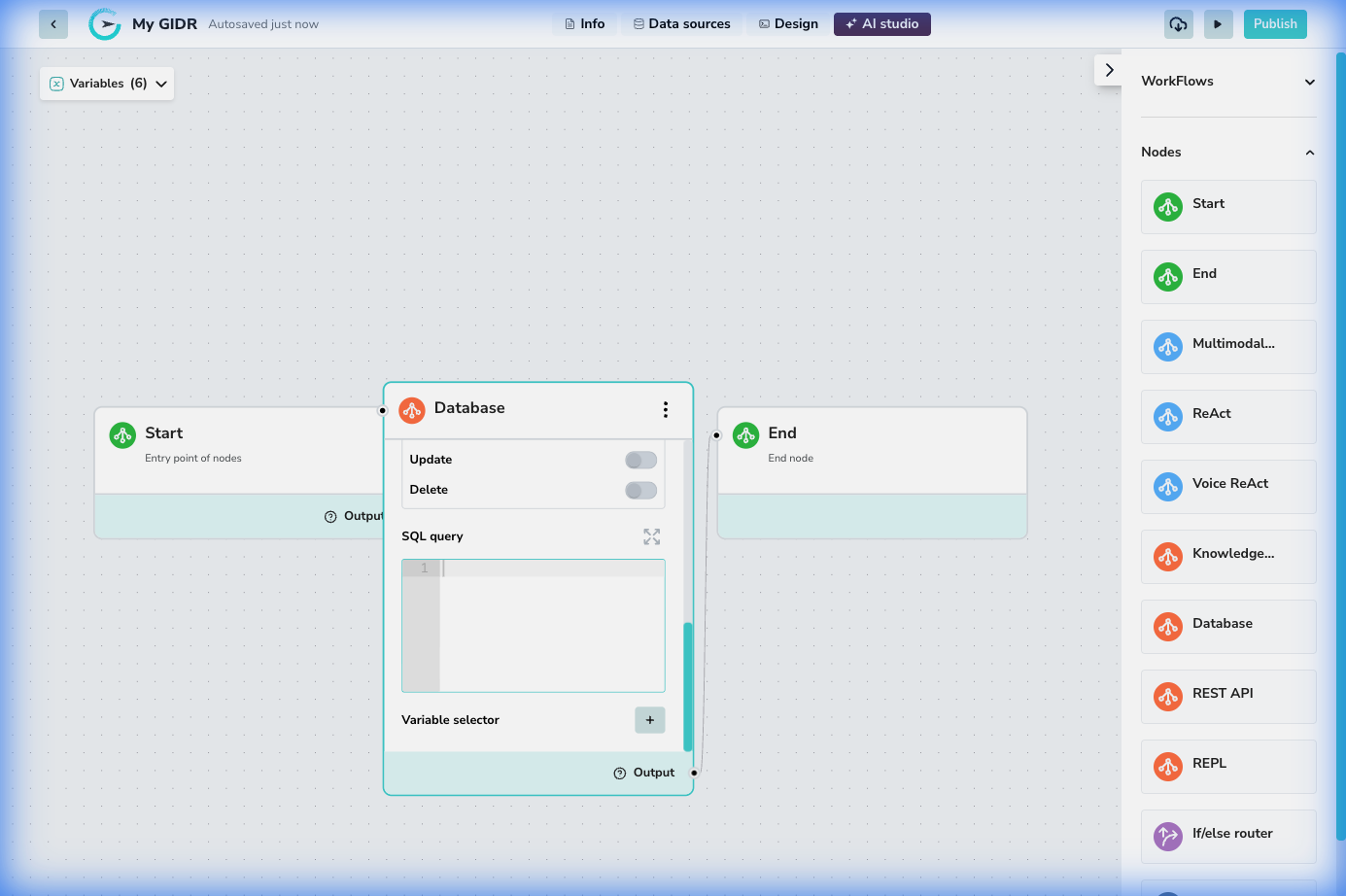
- SQL query: The text area where you write your SQL statement. You can use variables from the workflow (e.g.,
{{input.user_id}}) to make dynamic queries. - Variable selector: Helper to insert workflow variables into your SQL query.