

Knowledge
Learn how to use the Knowledge node to retrieve context from your vector database.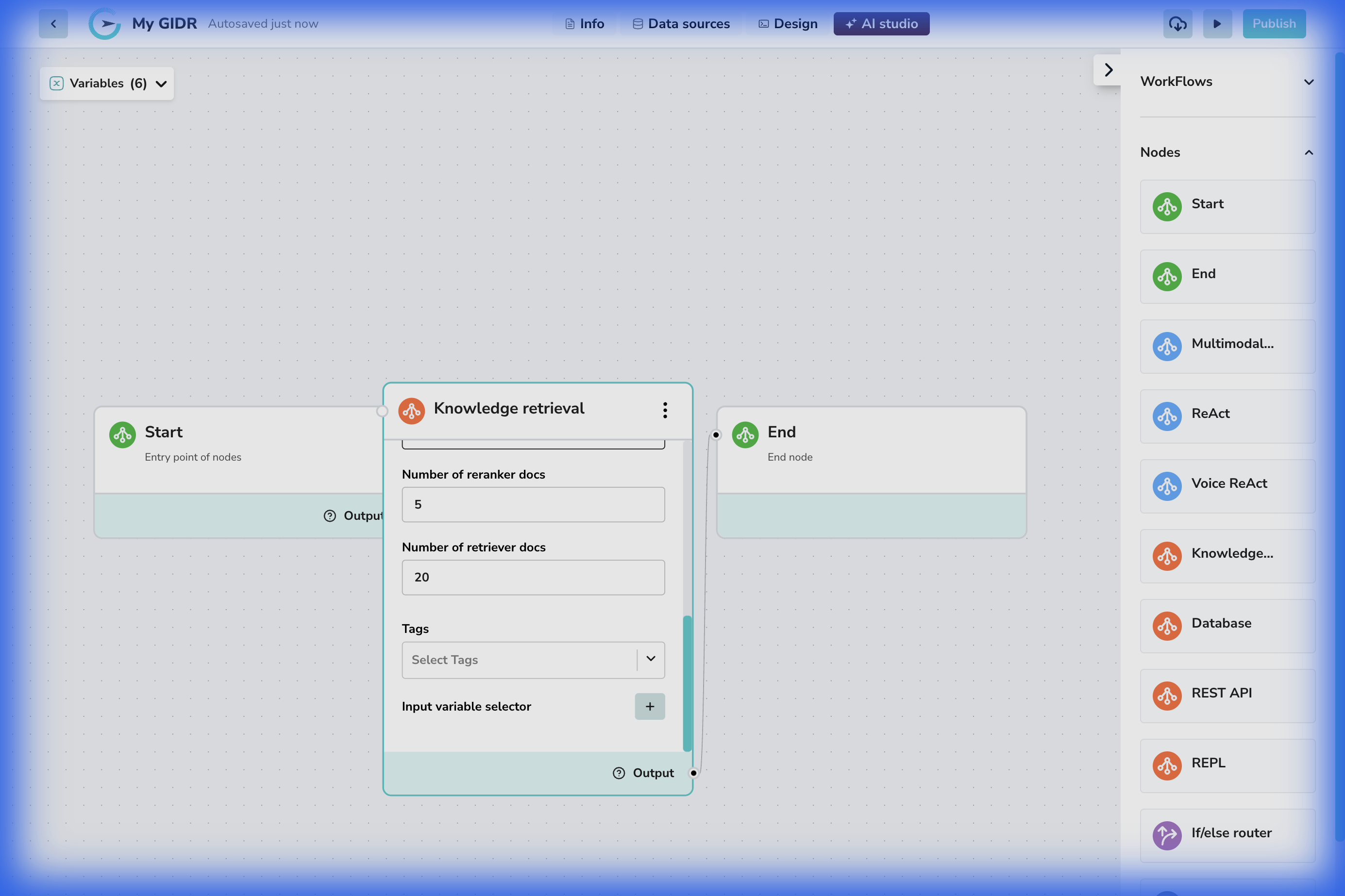
Overview
The Knowledge node (also known as “Knowledge retrieval”) is the bridge between your workflow and your vector database. It performs semantic search to find relevant document chunks based on an input query, which can then be used to ground your AI’s responses in your specific data. You can control how many results are returned and filter them by tags.Configuration
Basic Settings
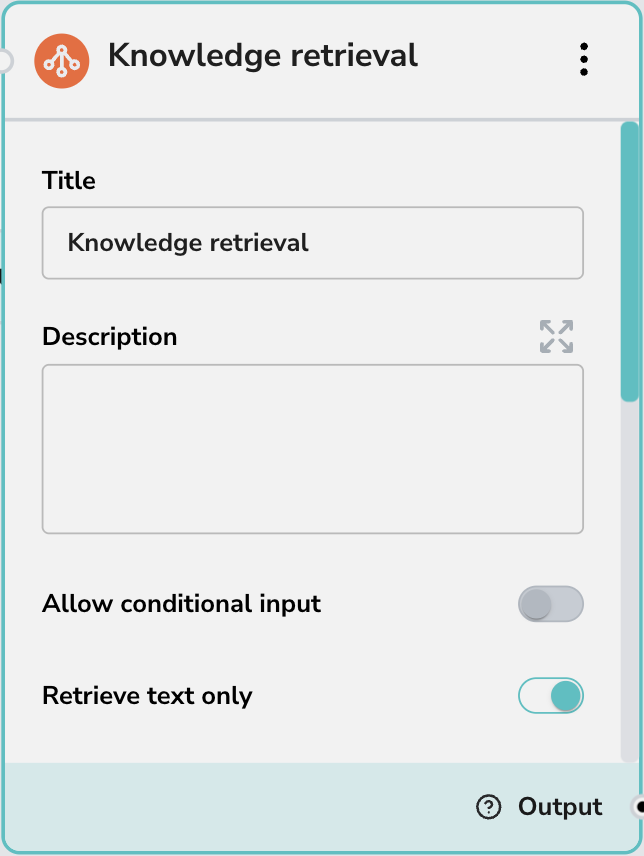
- Title: The display name of the node (default: “Knowledge retrieval”).
- Description: An optional description to explain what this specific retrieval node searches for.
Retrieval Parameters
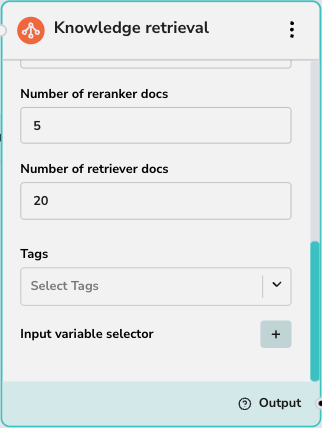
These settings control the quality and quantity of results:- Rerank provider: Select the reranking model to use (e.g., Cohere). Reranking improves relevance by re-scoring the initial results.
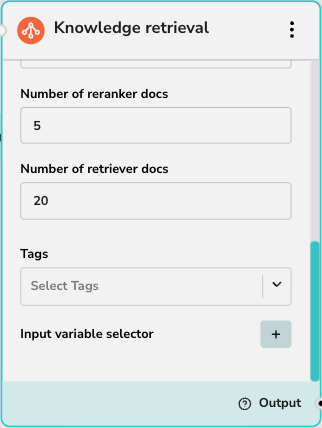
- Number of reranker docs: The number of documents to pass to the reranking model.
- Number of retriever docs: The initial number of documents to fetch from the vector database before reranking.
Knowledge Base Selection (Tags)
- Tags: Use this dropdown to select which Knowledge Base(s) to search. This acts as a filter, restricting the search to documents associated with the selected tags.
Inputs
- Input variable selector: Define what input triggers the search. Typically, this is the user’s query (
sys.query) or an output from a previous node.
Additional Options
- Retrieve text only: A toggle that, when enabled, limits the retrieval output to text content only (equivalent to always selecting
textsoutput). - Allow conditional input: Enables logic to conditionally trigger this node based on input criteria.
Outputs
The Knowledge node produces three output variables that downstream nodes can consume. When you configure another node (like Multimodal) to receive input from this Knowledge node, you’ll select which output type to use in that node’s Input variable selector.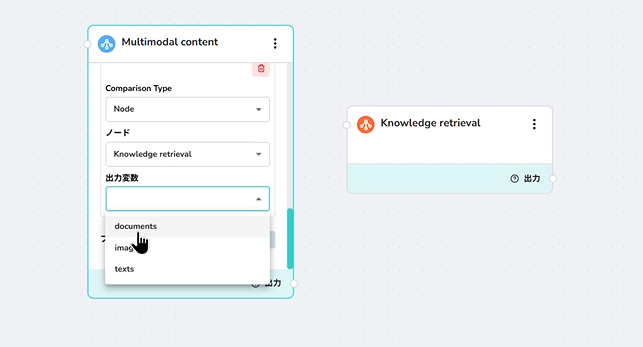
The output selection dropdown (documents/texts/images) appears in the consuming node’s configuration, not in the Knowledge node itself. The screenshot above shows this selector in a Multimodal node that’s configured to receive input from a Knowledge retrieval node.