

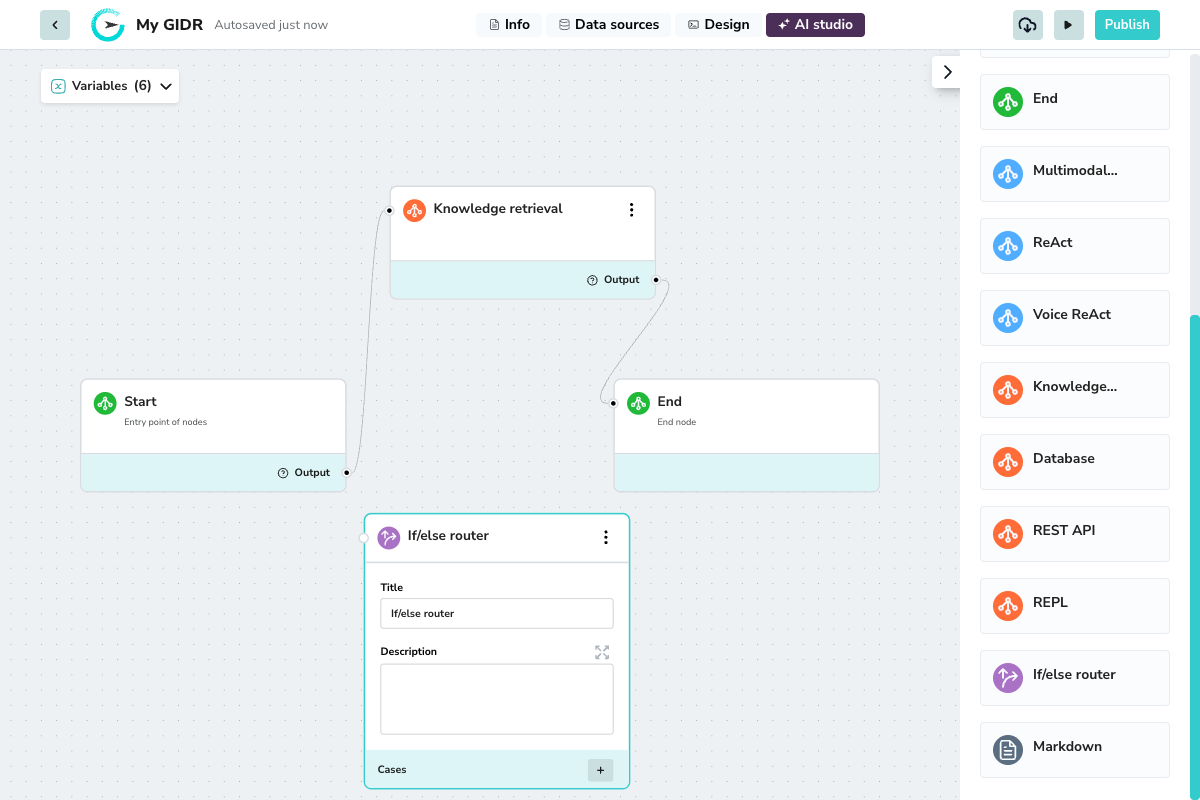
Overview
Use the Router node when you need to:- Direct users to different agents based on their intent
- Handle error conditions differently from success paths
- Create personalized experiences based on user attributes
- Branch logic based on API responses or database results
Configuration
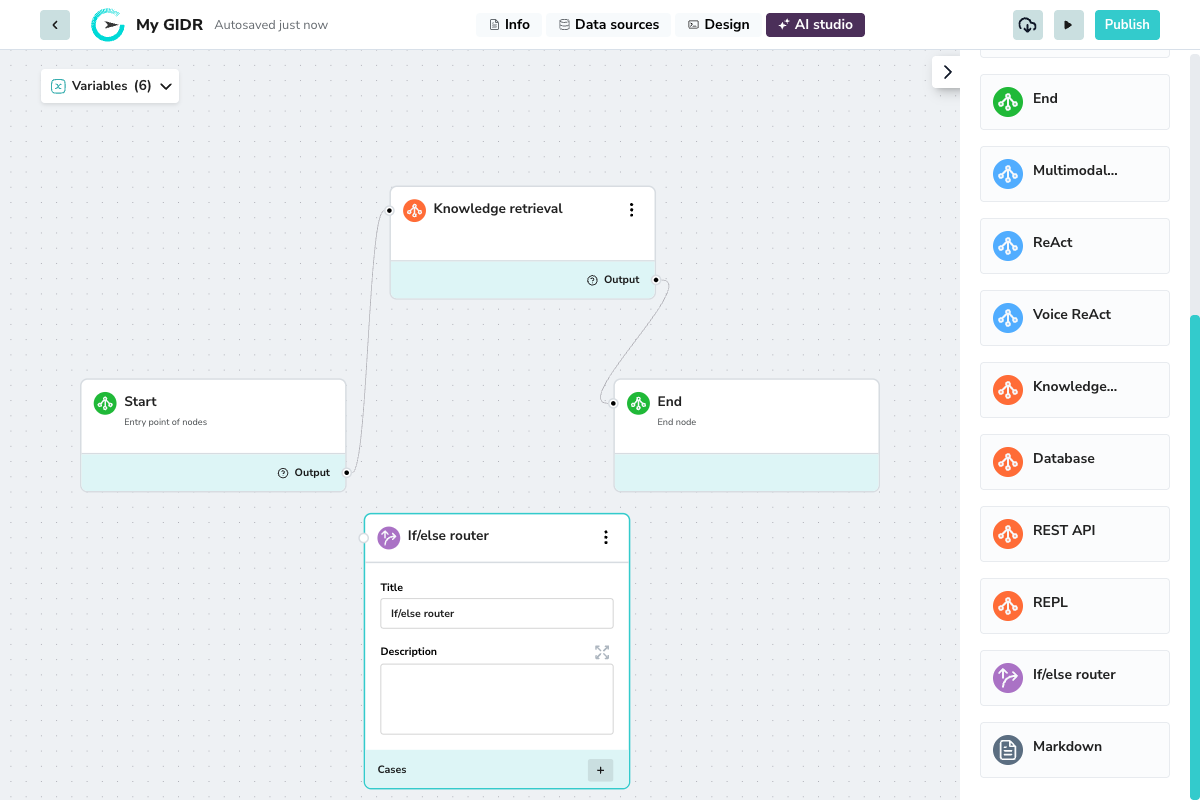
Basic Settings
- Title: A descriptive name for the node (e.g., “Check User Intent”).
- Description: Document the branching logic for future reference.
Cases
Click the + button to add routing cases. Each case defines a set of conditions that, when met, route the workflow to specific target nodes.Case Settings
- Case label: A name for this case (e.g., “Negative Sentiment”, “High Priority”).
- Target nodes: Select which downstream node(s) to route to when this case matches.
- Operator: Choose AND (all conditions must match) or OR (any condition can match) when you have multiple conditions.